How to Prepare Artwork Files for Custom Sign Manufacturing
News Details
Navigating the choices for high-durability exterior and interior signage can be challenging for commercial property managers and B2B buyers. Whether you need weather-resistant 3D stainless steel logo signs, illuminated storefront signage, or complete modular directional wayfinding signs, choosing the right manufacturing partner is critical. River Stone Signagedelivers precision-crafted signage solutions engineered to withstand extreme outdoor conditions while elevating brand presentation.
Preparing the right artwork file is one of the most important steps in custom sign manufacturing. A clean file helps the manufacturer understand your design, reproduce your logo accurately, and avoid delays during production.
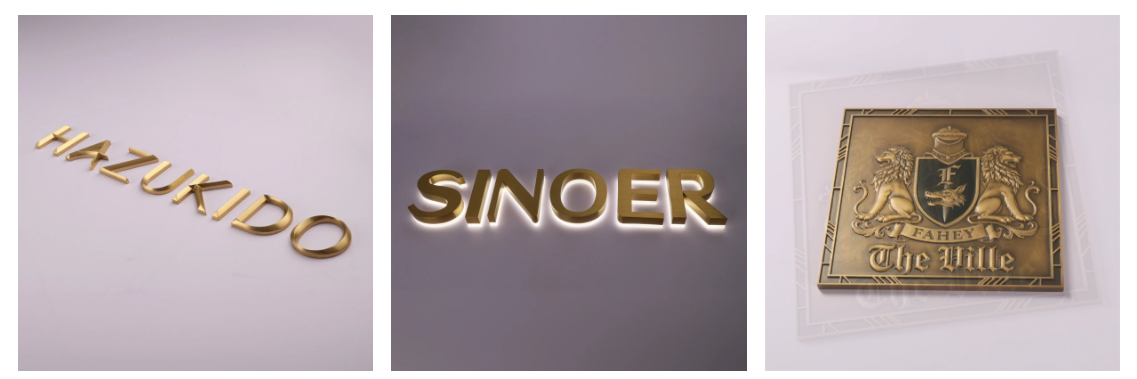
For projects such as custom stainless steel letters, 3D metal signs, plaques, and other non-illuminated signs, the artwork must provide both visual and technical information. River Stone supports custom designs in different fonts, sizes, materials, finishes, and mounting styles, so a well-prepared file can make the process much smoother.
Start With a Vector File
The best starting point is a vector file. Common formats include AI, EPS, CDR, and high-resolution PDF.
Unlike a JPG or PNG, a vector file can be enlarged without losing sharpness. This is especially important for custom signage because small logos may become large wall letters or architectural signs.
A vector file also gives the manufacturer clear paths for CNC cutting, laser cutting, engraving, and other production processes.
Before sending your artwork, check that:
-
Logos and graphics are vector-based.
-
Lines and shapes are clean and closed.
-
Unnecessary layers and objects are removed.
-
Artwork is supplied at the correct scale.
-
Different design elements are clearly separated.
For custom freestanding stainless steel letters, vector artwork is particularly useful because each letter can be precisely reproduced through CNC machining.
Convert Fonts to Outlines
One common problem is missing or substituted fonts.
If your artwork contains editable text, the manufacturer may not have the same font installed on their computer. As a result, the appearance of your sign could change.
To avoid this issue, use converted fonts, also called outlined text. Converting text to outlines changes the letters from editable type into vector shapes.
Before exporting the final file:
-
Check the spelling carefully.
-
Confirm the font, size, and spacing.
-
Convert all text to outlines.
-
Make sure no editable text remains unless requested.
This step is especially important when producing custom 3D letters, logos, and branded signage.
Specify Pantone Color Clearly
Color can look different on a computer screen, printed proof, and physical sign. Therefore, do not rely only on a visual color sample.
If your project requires a specific brand color, provide the Pantone color reference whenever possible.
For example, if a logo needs a particular blue, include the exact Pantone number in the artwork notes. This gives the production team a clear color target.
Pantone or RAL references are especially useful for painted, powder-coated, or PVD-finished signage. River Stone can also provide custom painted finishes based on Pantone or RAL references.
However, remember that the final appearance can also be affected by the material, surface finish, lighting, and production method.
Add Size and Production Information
Artwork alone may not provide enough information for manufacturing. Your signage artwork file requirements should also include key dimensions and production notes.
Clearly state:
-
Overall sign width and height
-
Letter height
-
Material preference
-
Material thickness
-
Surface finish
-
Color or coating
-
Mounting method
-
Base plate size, if required
-
Quantity
-
Installation location
For example, a freestanding stainless steel sign may require the letter size, stainless steel grade, base plate dimensions, and mounting method to be specified separately.
River Stone's custom freestanding stainless steel letters can be produced in 304 or 316 stainless steel, with options such as mirror polished, brushed, satin, PVD, and custom painted finishes. The design can also be adapted for freestanding or wall-mounted applications.
Separate Cutting Lines and Design Details
If your sign includes special cuts, holes, mounting points, or engraved areas, mark them clearly.
A useful file structure may include separate layers for:
-
Cutting lines
-
Engraving
-
Folding or bending
-
Drilling holes
-
Mounting points
-
Printed areas
-
Reference dimensions
Avoid placing important production notes directly over the artwork. Instead, use a separate layer or a simple specification sheet.
This makes it easier for the manufacturer to review the file before production.
Include a Reference Preview
Even when you provide a perfect vector file, a visual preview is helpful.
Export a PDF or JPG showing what the finished sign should look like. Include the intended colors, layout, letter spacing, and overall arrangement.
For complex projects, you can also provide a simple 3D rendering or installation drawing. This helps the manufacturer compare the production artwork with your intended result.
For B2B projects involving multiple locations, a clear reference preview can also help maintain consistent branding across different signs.
Check the Final File Before Sending
Before sending your artwork to the sign manufacturer, complete a final check.
Use this simple checklist:
Artwork
-
Vector file included
-
Fonts converted to outlines
-
Correct spelling confirmed
-
Logo and graphics are clean
Color
-
Pantone or RAL references included where needed
-
Finish clearly specified
-
Color notes match the design
Dimensions
-
Overall size confirmed
-
Letter height and thickness specified
-
Base plate dimensions included if applicable
Production
-
Material selected
-
Cutting and engraving details marked
-
Mounting method explained
-
Quantity confirmed
Files
-
AI, EPS, CDR, or high-resolution PDF supplied
-
Reference preview included
-
Final version clearly named
Work With a Manufacturer That Can Review Your Artwork
Good artwork preparation does more than prevent file errors. It creates a clear connection between your brand design and the final physical sign.
For custom metal letters and non-illuminated signage, River Stone provides production based on customer design files, including custom sizes, fonts, materials, finishes, and mounting options. Its custom freestanding stainless steel letters are CNC machined from solid 304 or 316 stainless steel and can be customized for corporate receptions, retail displays, hotels, exhibitions, and other commercial spaces.
If you are unsure whether your artwork is ready for production, sending the original vector file together with your dimensions, material preferences, and finish requirements allows the manufacturer to review the design before production begins.
For reference, River Stone states that its custom stainless steel letters accept AI, CDR, EPS, and high-resolution PDF artwork, while supporting custom fonts, sizes, materials, finishes, and mounting methods. Its non-illuminated sign range includes custom 3D metal signage and related commercial applications


